
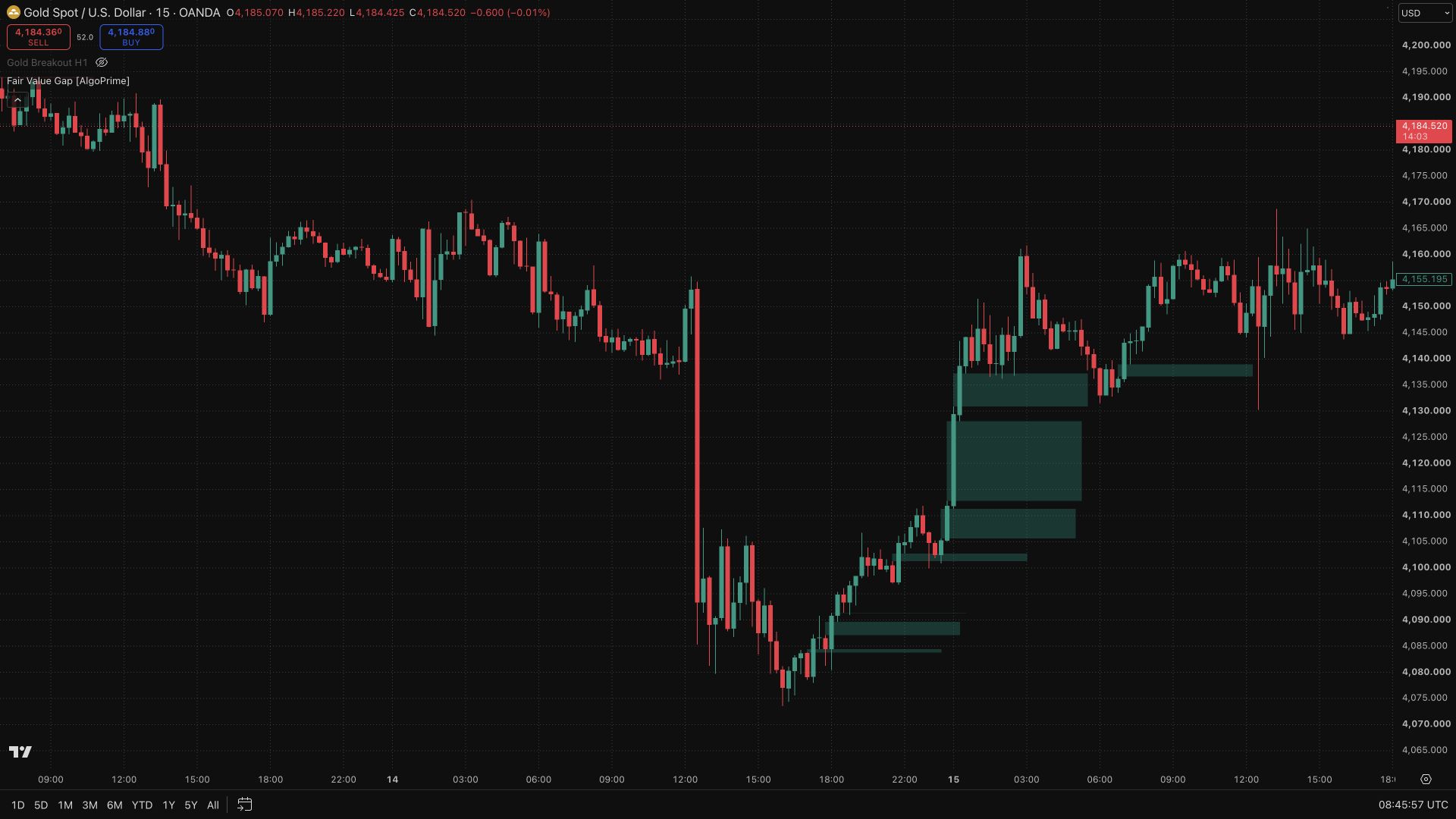
Volume Profile Zone [AlgoPrime]
Volume Profile · POC · Value Area
Built by AlgoPrime
![Volume Profile Zone [AlgoPrime]](https://auth.algoprime.co/storage/v1/object/public/product-images/1792190327913.jpg)
What it does
Volume Profile Zone places volume distribution inside the context of detected swings. Profiles, Point of Control, and Value Area boundaries show where activity is concentrated within each analyzed move. Present and Historical modes, optional VAH/VAL levels, and background controls let you follow the current profile or compare earlier ranges without drawing each volume reference by hand.
How to Trade with Volume Profile Zone?
POC: locate the price level with the greatest concentration in the calculated profile, then watch how price behaves around it.
VAH and VAL: compare price with the upper and lower Value Area boundaries to distinguish trading inside the area from movement beyond it.
Swing context: relate the profile to the swing used to form it. Changing the detection settings or analyzed range can change the distribution and its levels.
Volume Profile Zone Settings
Mode: Present/Historical and # Bars.
Stochastic: length, smoothK, and smoothD.
Swing Volume Profiles and Point of Control.
Value Area Volume %: default 70%; optional VAH/VAL and background fill.
Frequently Asked Questions
What does a 70% Value Area mean?
It is the target share of volume included in the calculated profile’s Value Area, not a 70% probability that price will remain there.
Is POC guaranteed support or resistance?
No. It is a reference level to monitor; price can move through it or establish a new profile.
How do I access Volume Profile Zone?
Request access from AlgoPrime and provide your TradingView username. Once permission is granted, open the corresponding script and add it to your chart.
Request TradingView Access
How you get it
- Be on Pro
Choose a plan that includes this tool, or use access from a package you already own.
- Claim it on Pro
Any plan that includes Pro lets you claim it from the Tools Kit at no extra charge.
- Add your TradingView username
Access is granted to your username and the indicator shows up in TradingView under Invite-only scripts.
More like this
All tools
Questions about Volume Profile Zone [AlgoPrime]?
The desk answers in chat — setup, access, or which plan fits.