
Support Resistance Dynamic [AlgoPrime]
Support/Resistance · Dynamic Levels
Built by AlgoPrime
![Support Resistance Dynamic [AlgoPrime]](https://auth.algoprime.co/storage/v1/object/public/product-images/1792190120615.jpg)
What it does
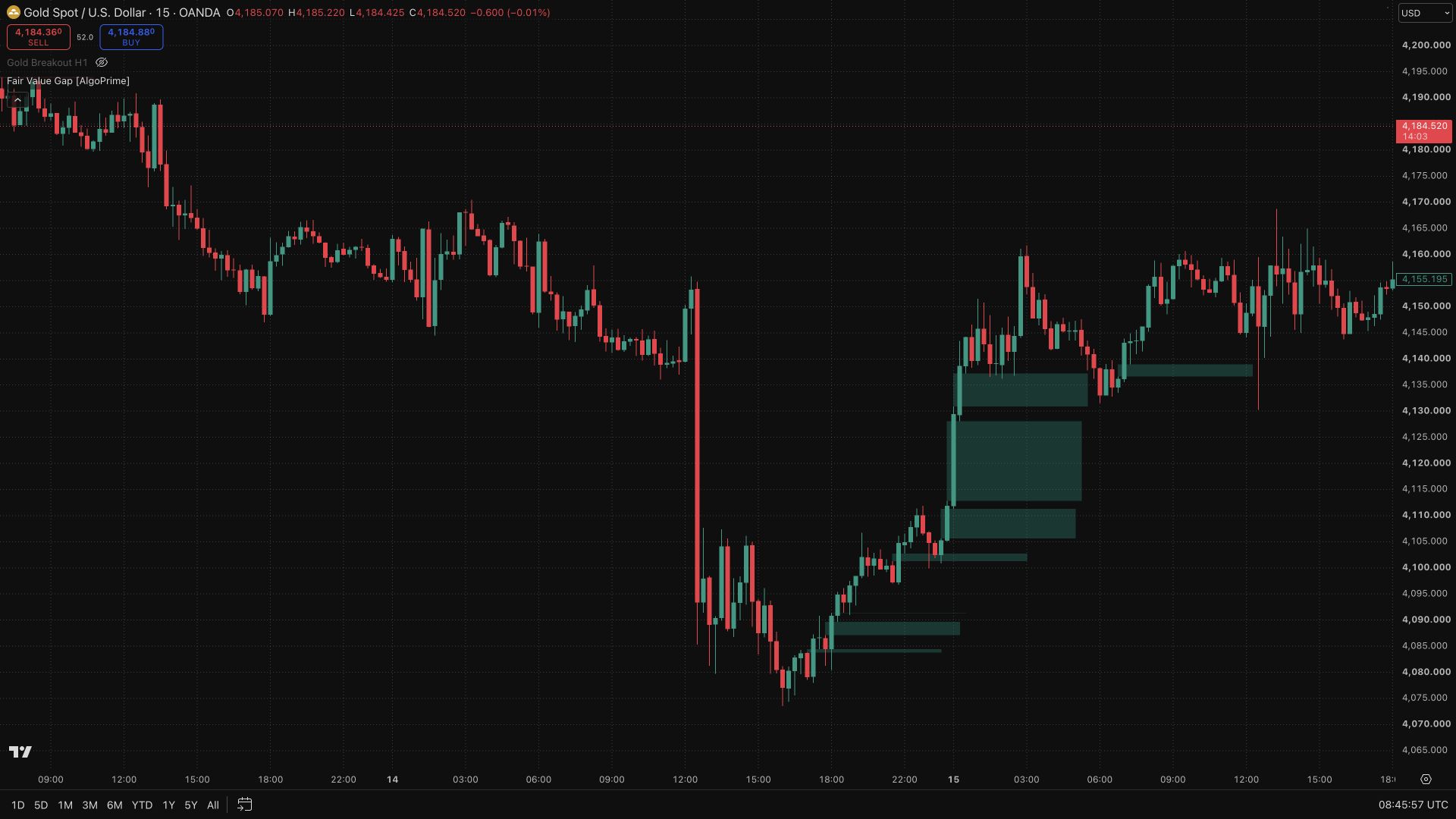
Support Resistance Dynamic keeps automatically generated price references in view as you analyze a chart. Separate support and resistance colors help you identify nearby levels to monitor for a reaction or break. The tool provides a framework for comparing price behavior with surrounding structure, while line styling controls make the references easier to fit into your chart layout.
How to Trade with Support Resistance Dynamic?
Nearby levels: start with the closest support and resistance to locate the immediate area of interest.
Rejection or break: observe whether a test produces a response or a move through the level, and relate that behavior to a ranging or trending context.
Planning distance: compare the level with your invalidation and target references rather than basing a decision solely on the number of nearby lines.
Support Resistance Dynamic Settings
Support color and Resistance color.
Line width.
Style: solid, dotted, or dashed.
Frequently Asked Questions
Do clustered levels guarantee stronger support or resistance?
They highlight an area worth examining, but the number of lines alone does not guarantee a price reaction.
Can the levels be used in ranges and trends?
They can provide references in either context, although price behavior and breakout risk differ.
How do I access Support Resistance Dynamic?
Request access from AlgoPrime and provide your TradingView username. Once permission is granted, open the corresponding script and add it to your chart.
Request TradingView Access
How you get it
- Be on Pro
Choose a plan that includes this tool, or use access from a package you already own.
- Claim it on Pro
Any plan that includes Pro lets you claim it from the Tools Kit at no extra charge.
- Add your TradingView username
Access is granted to your username and the indicator shows up in TradingView under Invite-only scripts.
More like this
All tools
Questions about Support Resistance Dynamic [AlgoPrime]?
The desk answers in chat — setup, access, or which plan fits.