
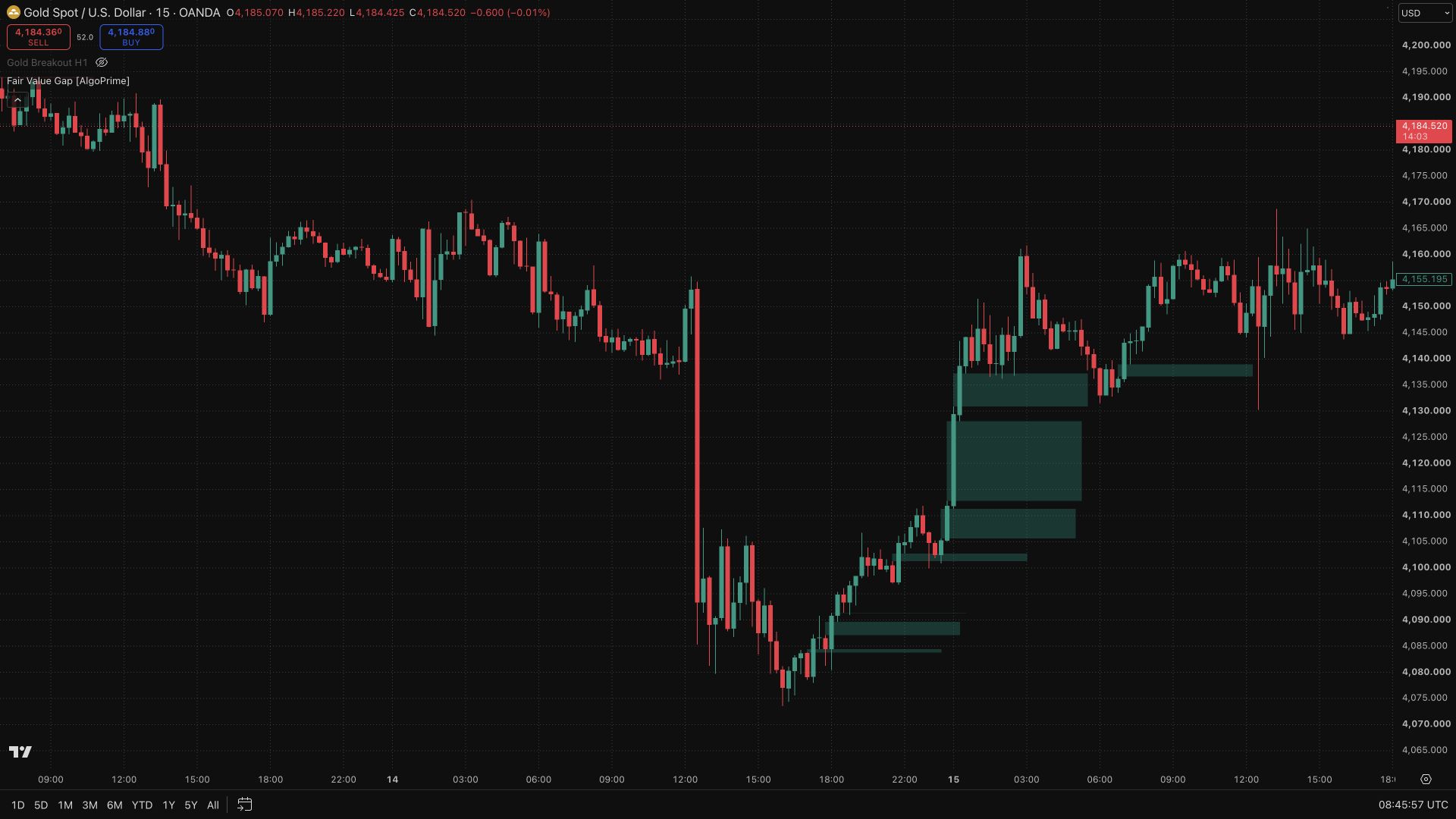
QM Pattern [AlgoPrime]
Quasimodo · Reversal · Swing Structure
Built by AlgoPrime
![QM Pattern [AlgoPrime]](https://auth.algoprime.co/storage/v1/object/public/product-images/1792190678793.jpg)
What it does
QM Pattern makes Quasimodo swing structures easier to inspect by connecting their turning points and marking bullish or bearish reference zones. The lines show how the detected highs and lows form the pattern, while the colored area focuses attention on a potential retest. Length and smoothing controls let you adjust swing sensitivity and review the structure at the level of detail you need.
How to Trade with QM Pattern?
Pattern sequence: trace the connected highs and lows to understand the full structure rather than reading the zone on its own.
Zone retest: monitor price as it approaches the marked area and identify which structural level would invalidate your interpretation.
Timing: use replay when reviewing examples to see when the pattern became available, since historical connecting lines do not establish that it was known in advance.
QM Pattern Settings
Detected swing setting — length: default 14.
smooth: default 1.
Frequently Asked Questions
Is the arrow a guaranteed price forecast?
No. It is part of the script’s structural illustration, not a promise about the next move.
Why is there no QM in some periods?
The required sequence of swings must be present. The pattern does not occur in every market phase.
How do I access QM Pattern?
Request access from AlgoPrime and provide your TradingView username. Once permission is granted, open the corresponding script and add it to your chart.
Request TradingView Access
How you get it
- Be on Pro
Choose a plan that includes this tool, or use access from a package you already own.
- Claim it on Pro
Any plan that includes Pro lets you claim it from the Tools Kit at no extra charge.
- Add your TradingView username
Access is granted to your username and the indicator shows up in TradingView under Invite-only scripts.
More like this
All tools
Questions about QM Pattern [AlgoPrime]?
The desk answers in chat — setup, access, or which plan fits.