
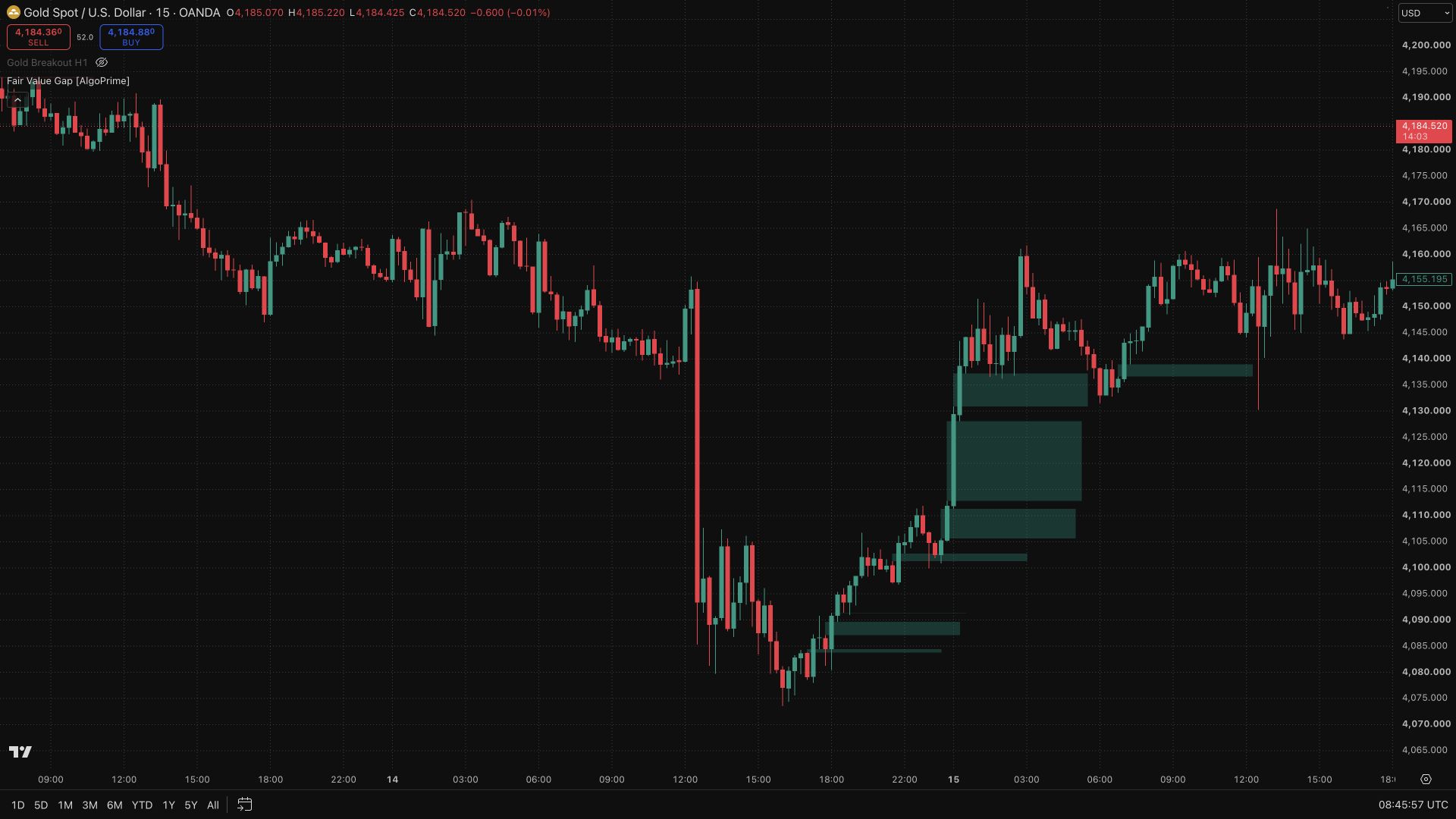
Momentum Channel [AlgoPrime]
Trend Channel · Momentum · Support/Resistance
Built by AlgoPrime
![Momentum Channel [AlgoPrime]](https://auth.algoprime.co/storage/v1/object/public/product-images/1792189923777.jpg)
What it does
Momentum Channel frames price movement with trend channels and support/resistance boundaries derived from price, moving averages, and volatility. Its slope and width help you compare a pullback with the broader direction and recognize movement beyond the channel. Adjustable length, expansion, timeframe, and fill controls let you keep the relevant structure visible at the scale you analyze.
How to Trade with Momentum Channel?
Slope: read the channel’s direction before interpreting tests of its boundaries.
Boundary tests: compare a pullback or extension with nearby support and resistance to assess where price sits within the channel.
Breaks: watch whether price holds outside or returns inside after a breach before concluding that the preceding structure has changed.
Momentum Channel Settings
Length: default 14.
Channel Expander: default 3.
Timeframe: choose the analysis interval.
Fill Trend Area, Text Size, and Support/Resistance colors.
Frequently Asked Questions
Can ATR Size be changed in Inputs?
This publication fixes that value internally. The main adjustable controls are Length and Channel Expander.
Does the channel eliminate false breakouts?
No. It provides context; price can move beyond a boundary and return inside.
How do I access Momentum Channel?
Request access from AlgoPrime and provide your TradingView username. Once permission is granted, open the corresponding script and add it to your chart.
Request TradingView Access
How you get it
- Be on Pro
Choose a plan that includes this tool, or use access from a package you already own.
- Claim it on Pro
Any plan that includes Pro lets you claim it from the Tools Kit at no extra charge.
- Add your TradingView username
Access is granted to your username and the indicator shows up in TradingView under Invite-only scripts.
More like this
All tools
Questions about Momentum Channel [AlgoPrime]?
The desk answers in chat — setup, access, or which plan fits.